On this page5
Best app to learn piano: compare apps and courses
The best piano app for you is one you can use on your own instrument and follow without guessing. Try a beginner lesson, check the sound setup and practise a short passage. Compare that with a course before paying for a subscription.
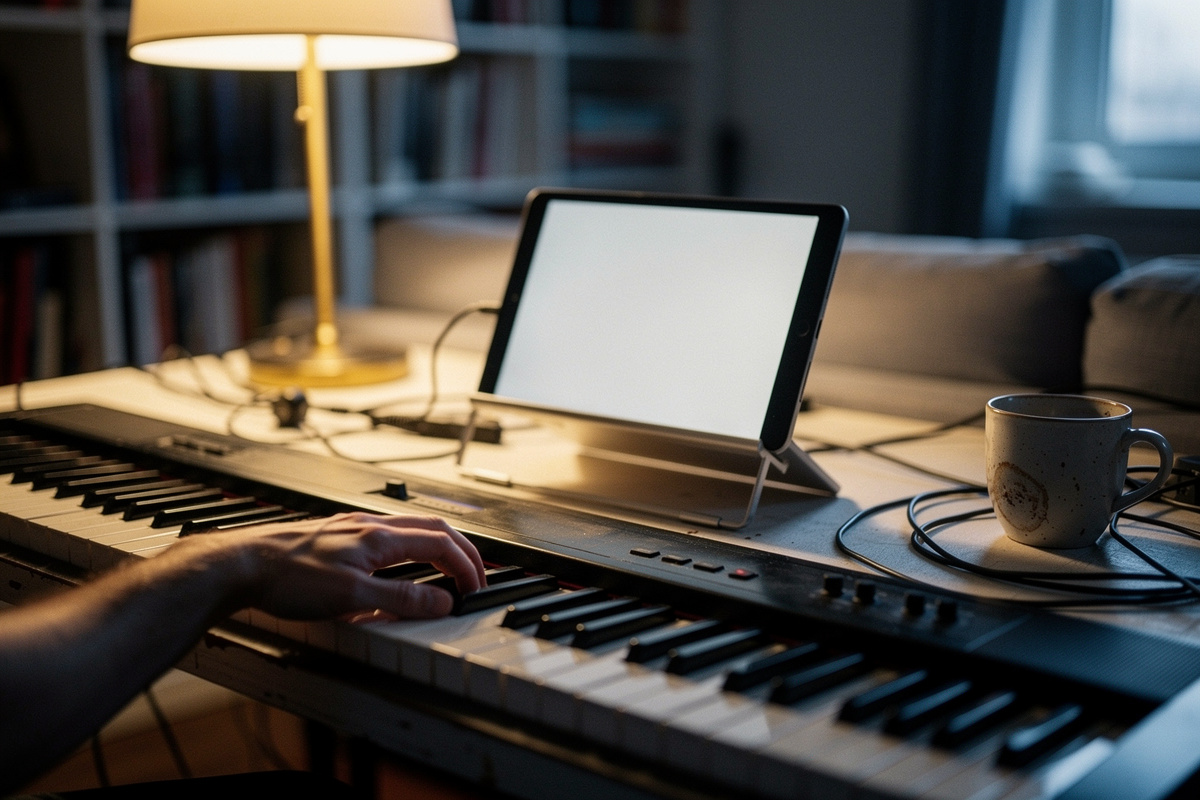
"What's the best app to learn piano?" is really two questions: do you want an app at all, or a course — and which one fits how you stay motivated? Here's an honest comparison of the options adults actually weigh.
The comparison
| Option | Pricing | Approach | Best for |
|---|---|---|---|
| Piano For All | One-time purchase; check checkout | Chords & rhythm first; books + audio + video. | Self-directed adults who want to play songs and avoid subscriptions. |
| Skoove | Subscription (monthly/annual) | Guided lessons with feedback that listens as you play. | Beginners who want structure and real-time note feedback. |
| Flowkey | Subscription (monthly/annual) | Large song library with play-along and note detection. | People motivated by learning specific songs they love. |
| Free (YouTube + a plan) | Free | You assemble the path; a plan supplies the structure. | Testing the waters, or the tightest budgets. |
Prices and features are set by each provider and change over time — confirm current details on their own sites before you subscribe or buy.
How to actually choose
- Hate subscriptions and like to self-direct? A one-time course wins. Piano For All is our pick here — see the full review.
- Want the app to tell you when you hit a wrong note? Skoove or Flowkey's real-time feedback is the draw a book can't match.
- Motivated by learning specific songs? A big play-along library (Flowkey's strength) keeps you engaged.
- Not sure you'll stick with it yet? Start free with a routine, prove the habit, then spend money on the path that fits.
The honest bottom line
The differences between these tools matter far less than whether you practice. An app you tap twice and a course you never open fail identically. Pick the one that matches how you stay motivated, then put a daily routine underneath it. That routine is what the free plan below gives you.
Leaning toward the one-time course?
Visit Piano For All →Affiliate link — no extra cost to you. See our disclosure.
What to check in a trial lesson
Use the instrument and device you plan to practise with. Work through one beginner lesson instead of browsing the song list. The checks below are a trial plan you can follow; they are not scores from hands-on testing.
- Lesson fit: does the lesson explain the symbols it asks you to read? Can you repeat a small part without losing your place?
- Sound setup: does the app hear your playing with your usual speakers or headphones? Check its device and cable guide.
- Song fit: can you find an easy version of a song you want to play? A large catalogue won't help if the pieces are too hard.
- Next step: after the lesson, can you say what to practise tomorrow without opening another app?
For example, flowkey's headphone guide lists different setups for hearing the app and piano together. Check your instrument's ports before buying a cable.
Reading goals and payment checks
If reading music is your goal, compare a lesson with our beginner reading exercise. Look for an explanation of rhythm, not just a signal that you played the right pitch.
Before paying, check the checkout total, renewal period and cancellation route. A trial can become a paid plan. For a course, check what you receive and how you access it. Don't assume an old quoted price is still offered.
Starting later in life doesn't pick the app for you. Use the setup checks in our older-beginner guide, then choose lessons you can read and follow comfortably.